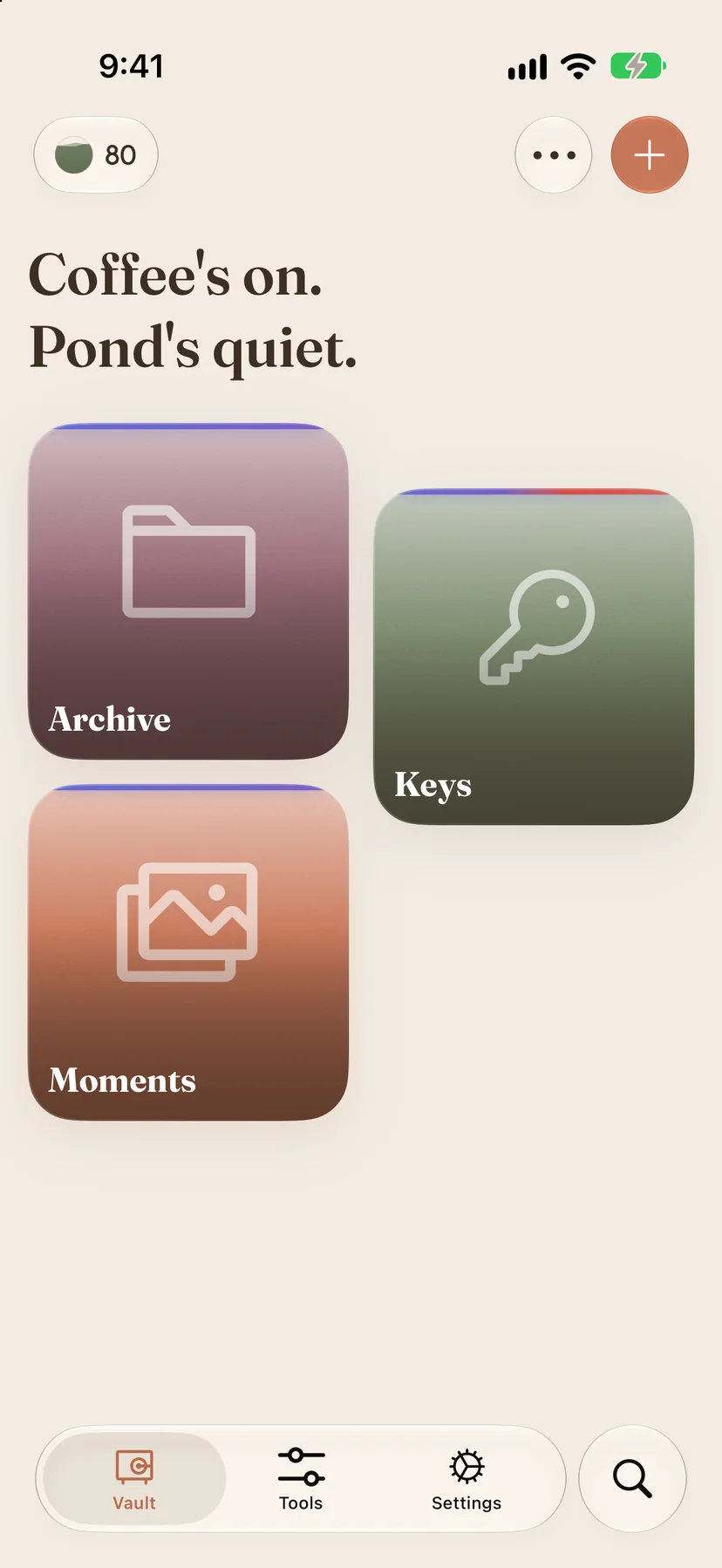
 Pond
Pond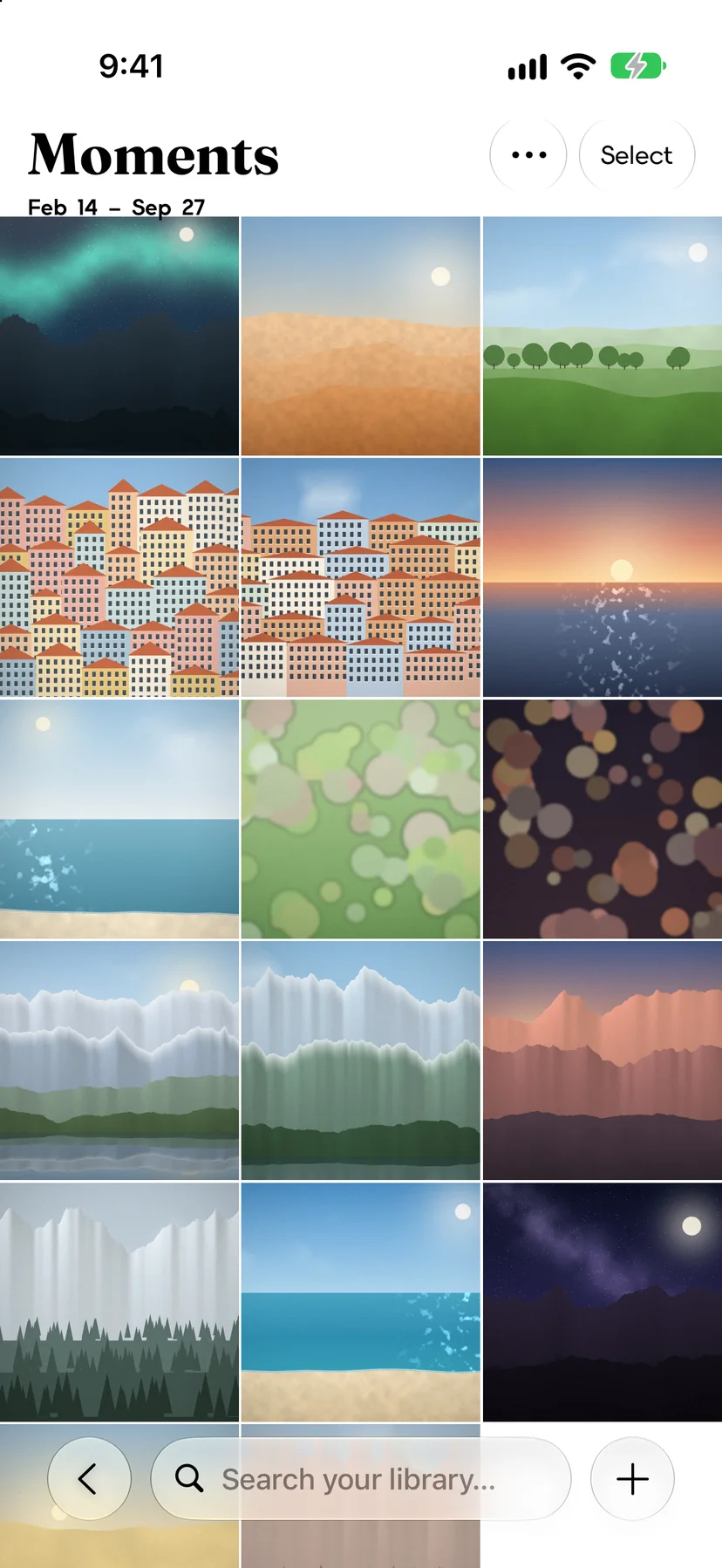 Moments
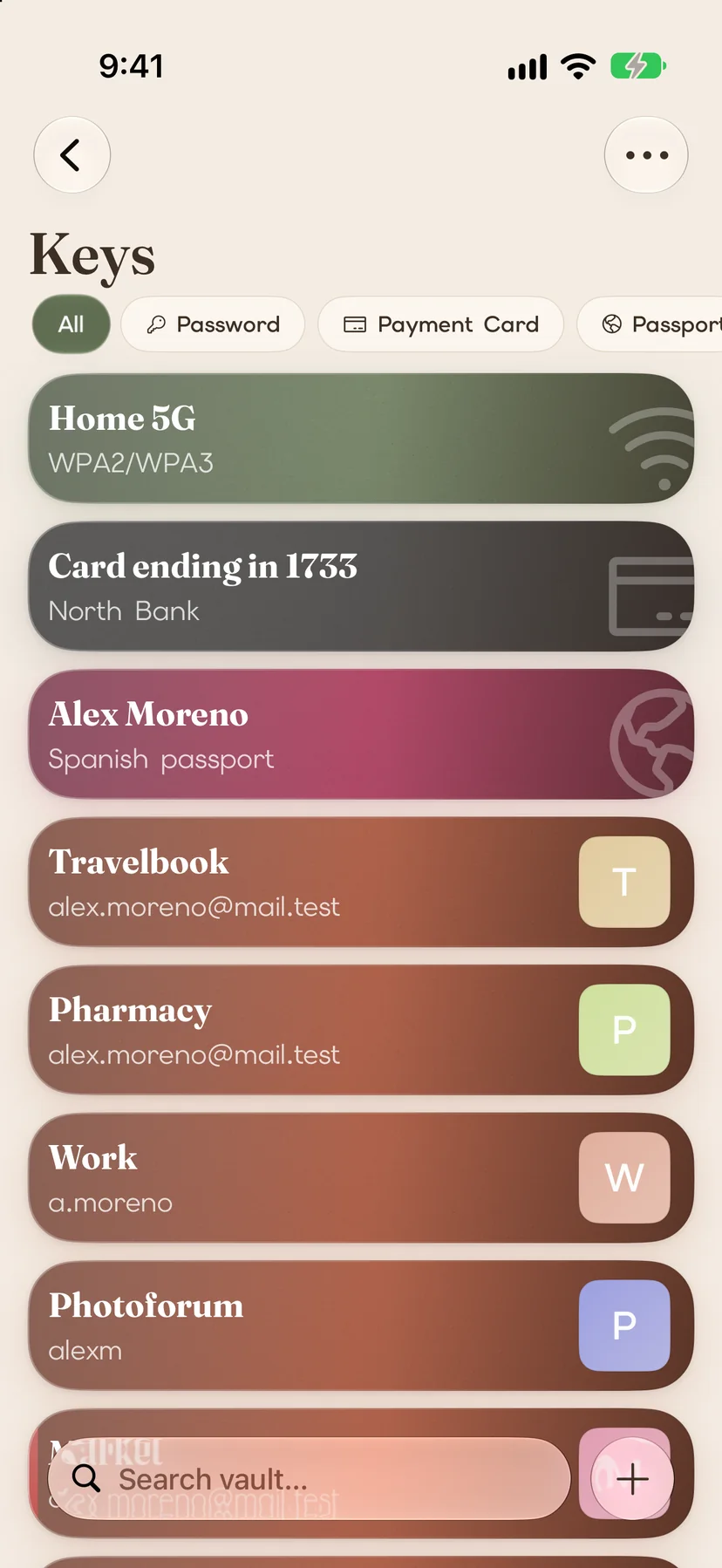 Keys
Keys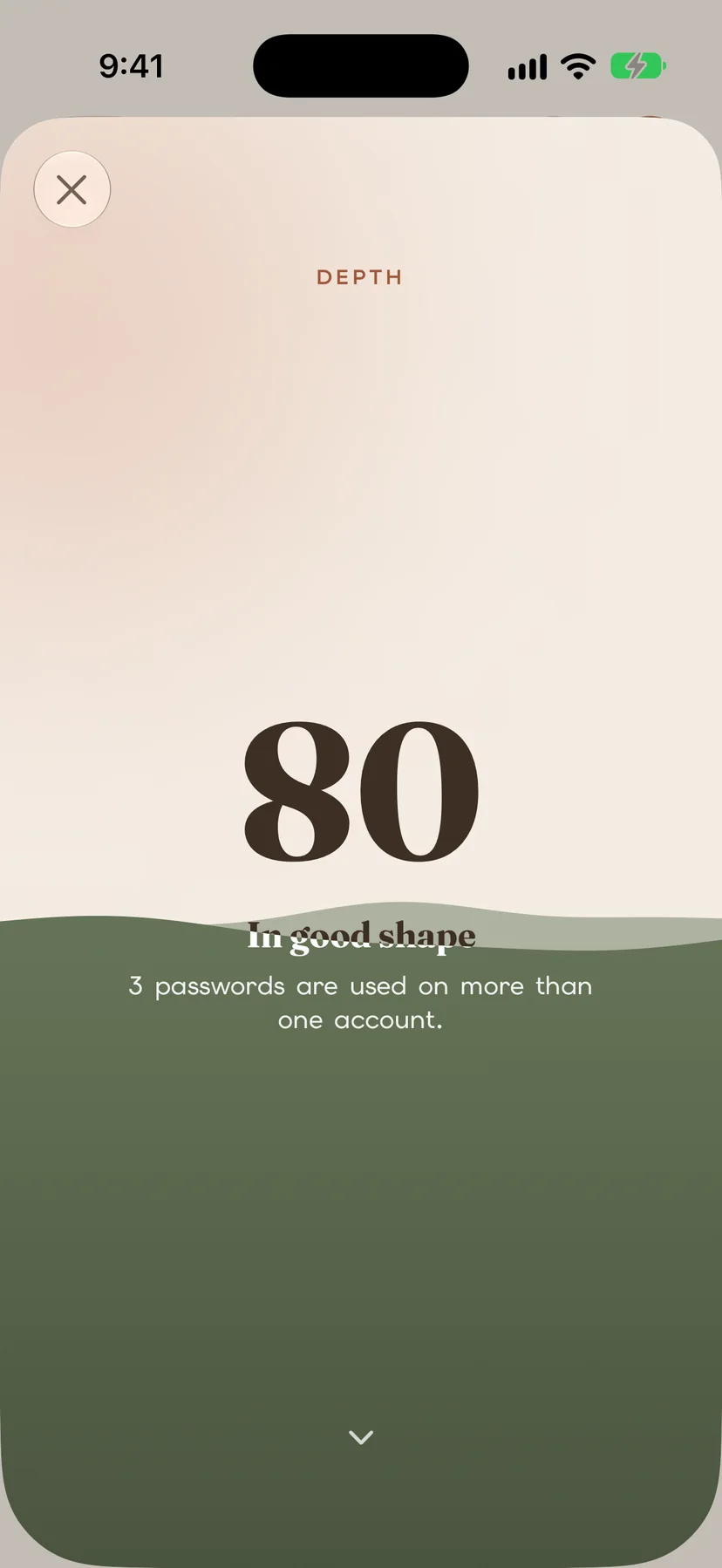 Depth
Depth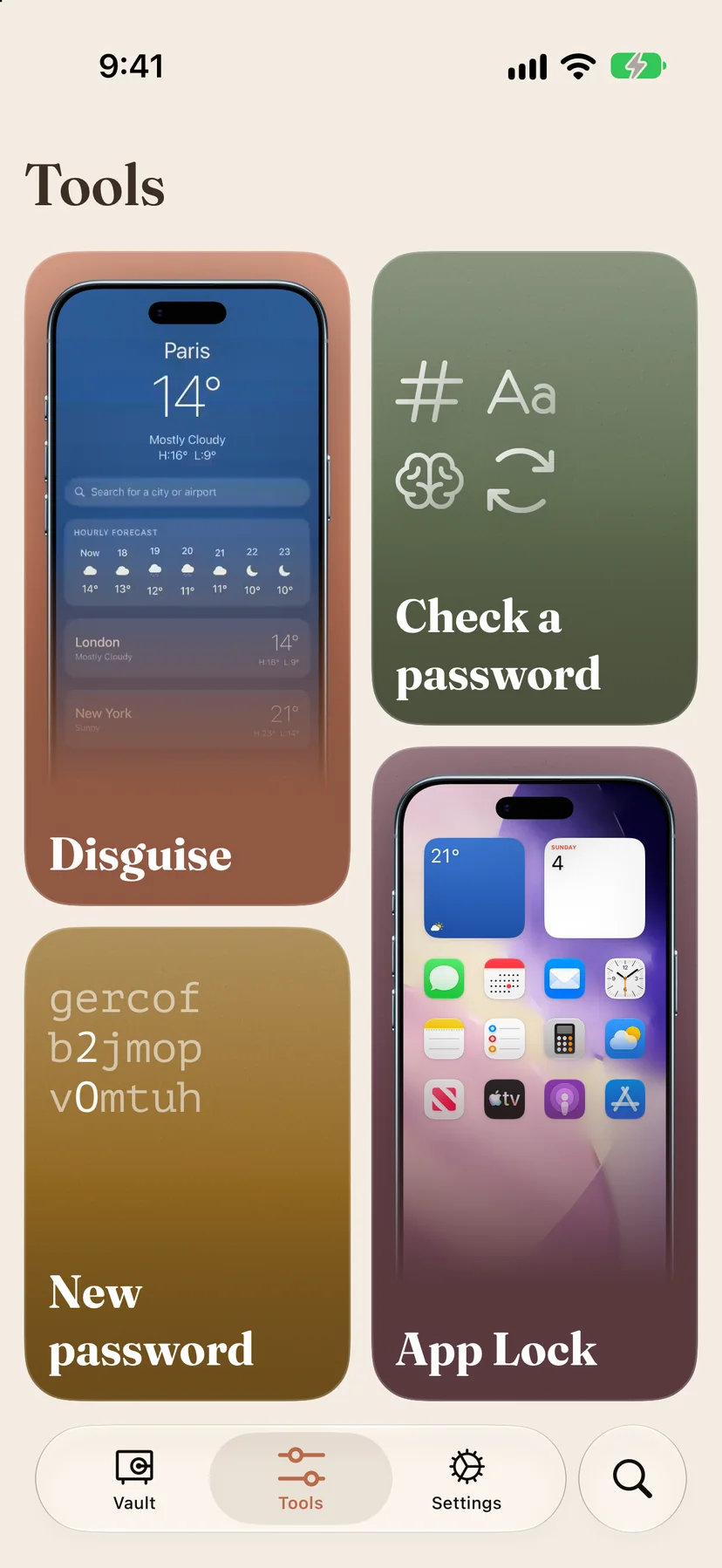 Tools
ToolsOne private place for everything.
Keys for passwords and cards, Moments for photos and videos, Archive for files. Each vault is sealed with its own key, on your iPhone.
Looks like a calculator.
Turn on the disguise and Pond becomes a calculator that really works, or a clock, the weather or notes. Type your code and your vaults open. Try 2580.
Photos only you can open.
Move photos and videos out of your camera roll, or shoot straight into Moments. Find them by place, person or the words in them, all on your iPhone.
Passwords that fill themselves in.
Logins, passkeys, verification codes, cards, passports and Wi-Fi, each kept as what it is. AutoFill offers them in every app and website.
Know how safe you are.
Depth is one score out of 100 for your accounts. It puts the password to fix first at the top, and can tell you when one leaks.
Lock your other apps.
App Lock keeps chats, photos or your bank shut until you open them from Pond with Face ID. And a password maker and checker, always at hand.
Why on your phone
There's no copy to steal.
Everything in Pond
No tiers and no limits. A membership gets you all of it, on iPhone and iPad.
- KeysLogins, passkeys, cards, passports, IDs, Wi-Fi, notes and to-do lists, or a kind you make yourself.
- MomentsA private camera and library, with duplicates found, people, places on a map and storage at a glance.
- ArchiveAny file and whole folders, documents you scan, opened full screen, with copies kept only once.
- AutoFillLogins, passkeys and two-factor codes fill themselves in, and new accounts save straight to Keys.
- Verification codesYour two-factor codes, scanned from a QR code, one tap from being copied, and on a widget.
- DepthOne score for how safe your accounts are, the password to fix first, and a note when one leaks.
- DisguisePond's icon and front become a calculator, a clock, the weather or notes, and each one really works.
- App LockAny app stays shut, with Screen Time, until you open it here with your face.
- Pond CameraPhotos, videos and code scans go straight into a vault, from Camera Control or Control Center.
- New passwordReadable passwords and passphrases on the spot. Check a password tells you how strong one is.
- Around your iPhoneWidgets, the Lock Screen, Control Center, the Action button and the Share sheet.
- BackupsOne sealed file that only your passphrase opens. It's how you move to a new phone.
- Bring everything overFrom Apple Passwords, Chrome, 1Password, Bitwarden and others, in about a minute.
- Family SharingOne membership covers up to five people. Everyone's vaults stay their own.
- iPhone and iPadEvery screen laid out for both, with Face ID or Touch ID.
- Nine languagesEnglish, Spanish, French, German, Italian, Portuguese, Japanese, Korean and Arabic.
How Pond compares
What changes when your vault lives on your iPhone instead of on a company's servers.
 Pond Pond | Cloud password managers | Photos › Hidden | |
|---|---|---|---|
| Where it's kept | On your iPhone, encrypted | On the company's servers | In Photos, and in iCloud if Photos syncs |
| What it holds | Passwords, passkeys, codes, documents, photos and files | Passwords and passkeys | Photos and videos |
| Account to create | None | Required | Your Apple Account |
| Verification codes | Some | ||
| Looks like a calculator | |||
| Locks your other apps |
No account. No server of ours. Nothing to leak.
Questions
Short answers to what people ask most. Everything else is in the Help Center, or ask the community.
Where is my vault stored?
On your iPhone or iPad, encrypted, inside Pond. There's no Pond account and we keep no copy. Your vaults also stay out of iCloud Backup, so a backup file you make yourself is how they survive a lost phone.
How do I move to a new iPhone?
Make a backup in Settings › Your Data › Backup & restore and keep the file somewhere safe, like iCloud Drive. On the new iPhone, install Pond and choose Restore a backup when it starts. Step by step.
How does the disguise work?
In Tools › Disguise, pick a calculator, a clock, the weather or notes, and set a code. Pond's icon changes and it opens as that app, which really works. Type your code on the calculator, set it on the timer or search for it, and your vaults open.
Can I bring my passwords from another app?
Yes. Apple Passwords, 1Password, Bitwarden, Dashlane and Chrome hand them over directly; from other apps, export a file and open it in Pond. Open Keys and tap Import. Step by step.
Which languages does Pond speak?
English, Spanish, French, German, Italian, Brazilian Portuguese, Japanese, Korean and Arabic. It follows your device's language; to change it for Pond alone, go to Settings › Apps › Pond › Language.
How much does Pond cost?
Pond is free to download. Using it takes a membership, which starts with a free trial, and one membership covers up to five people with Family Sharing. You'll see the price for your country in the App Store.
Is Pond a password manager?
Can Pond hide photos and videos?
Can anyone at Everease see what I keep?
Does Pond work without the internet?
What happens if I lose my iPhone?
Does Pond work with passkeys and AutoFill?
Guides
Step-by-step help for keeping private things private on iPhone, and for getting the most out of Pond.
- How to move photos out of your camera roll into PondTake private photos and videos out of your iPhone's camera roll and keep them in Moments, behind Face ID.
- How to move your passwords to PondBring your logins, passkeys and two-factor codes over from Apple Passwords, Chrome or another password manager in about a minute.
- How to make Pond fill in your passwordsMake Pond your iPhone's password app, so logins, passkeys and two-factor codes fill themselves in everywhere.
- How to make Pond look like a calculatorGive Pond a calculator's icon and screen, a working one, so it opens only with your code. Or make it a clock, the weather or notes.
- How to lock apps on iPhone with App LockKeep chats, photos or your bank app shut until you open them from Pond with Face ID.
- How to back up Pond and move to a new iPhoneMake one sealed backup file of everything in Pond, and use it to move to a new iPhone or iPad.
- All guides →
Have an idea for Pond?
Suggest it, vote on other people's ideas and follow what's planned. The same board is inside the app, under Settings › Help & About › Community.